Understand version and build numbers, choose compatible help, and read the current platform evidence and gaps.
Last reviewed: 2026-11-02
Match help to the app you are using
App version and device layout can affect the controls you see. Find your installed version if a guide does not look like your screen.
Find your app version and build
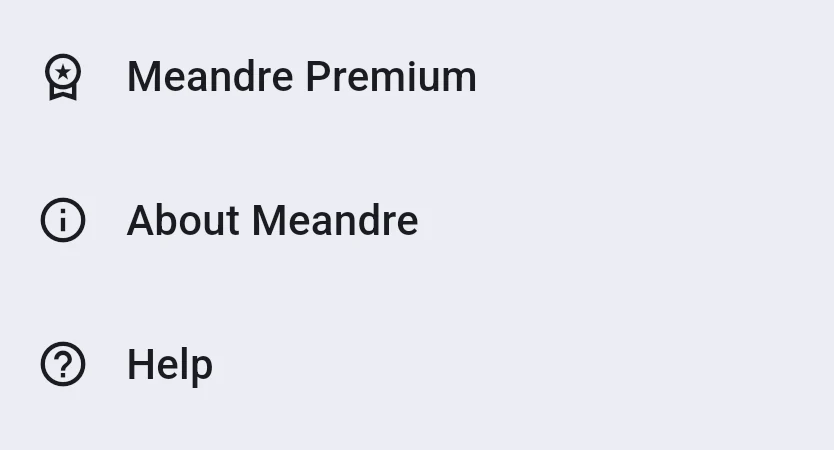
Open Settings → About Meandre to see the version and build, for example Meandre 1.0.1 (Build 15). Include both in a support request.
If version information is unavailable, say so rather than guessing.
 Enlarge screenshot (opens in a new tab)
Select the appropriate documentation
- Choose your Platform and Device layout at the top of a help page.
- Select Show compatible help, or use one of the device links. Your selection stays in the URL as you follow help links.
- If the controls still differ, check About Meandre and contact support with your version and build.
The six documentation profiles
Choose iPhone, iPad, Android phone, Android tablet, macOS or Windows. Phones and tablets use bottom navigation and sheets; desktop has a navigation rail and workspace panes.
Feature availability can vary
Local writing and the free Journey views remain available without Premium. Optional sync, the four Premium insights and extra appearance choices have their own requirements.
Biometric unlock depends on your hardware. Notification delivery also depends on your device settings. Use the matching guides if one of these features is unavailable.
Check device requirements
Check the official Meandre listing in the Google Play for current operating-system and device requirements.
If your app looks different
Check the selected platform and layout first. An older or newer app build may arrange controls differently. Contact support if you cannot find the action described; avoid trying an unrelated destructive action.
Illustrations show Meandre 1.0.1. Some calendar displays and Windows dialogs may differ in your installation. Check your installed version and device before following a guide. A screenshot explains a control; it does not confirm that a backup, restore, sync or purchase succeeded. Check the result on your own device.
Get the app for your device
Meandre is coming soon on iOS, Android, macOS and Windows. Installation guidance applies when the official listing for your device becomes available. Sign up for release news on the Meandre homepage.